

Uncategorized

Global email marketing concept with laptop, smartphone, and yellow envelopes spreading across world map

From Inbox to Impact : Email Marketing Basics

From Inbox to Impact: Email Marketing Basics Simple Emails, Big Results! In the digital world, your audience’s inbox is prime real estate — and email marketing is your golden ticket to get there. But sending random emails won’t make an impact. You need strategy, timing, and a personal touch to turn simple messages into meaningful connections. Why Email Marketing Matters Unlike social media, where your post can disappear in seconds, emails land directly in your subscriber’s inbox — giving you a direct, personal line of communication. It’s cost-effective, measurable, and when done right, it can convert readers into loyal customers. The Basics You Need to Know Build a Quality List Focus on collecting subscribers who genuinely want to hear from you. Quality always beats quantity. Craft Compelling Subject Lines This is your first impression. Keep it short, clear, and intriguing. Personalize Your Message Use names, tailor content to interests, and make readers feel valued. Provide Value Educational tips, exclusive offers, or useful updates keep people opening your emails Test and Improve Track open rates, clicks, and conversions to understand what works best Optimize for Mobile Most people check emails on their phones. Ensure your design is mobile-friendly so your message looks perfect on any device. From Click to Conversion Your goal isn’t just to send emails — it’s to inspire action. Every campaign should have a clear call-to-action, whether that’s reading your latest blog, making a purchase, or joining a webinar The Bottom Line Email marketing isn’t about spamming inboxes. It’s about building trust, delivering value, and creating a conversation that lasts beyond the “send” button. When you master the basics, you can turn every email into an opportunity — and every inbox into an impact.

From Inbox to Impact : Email Marketing Basics Read More »
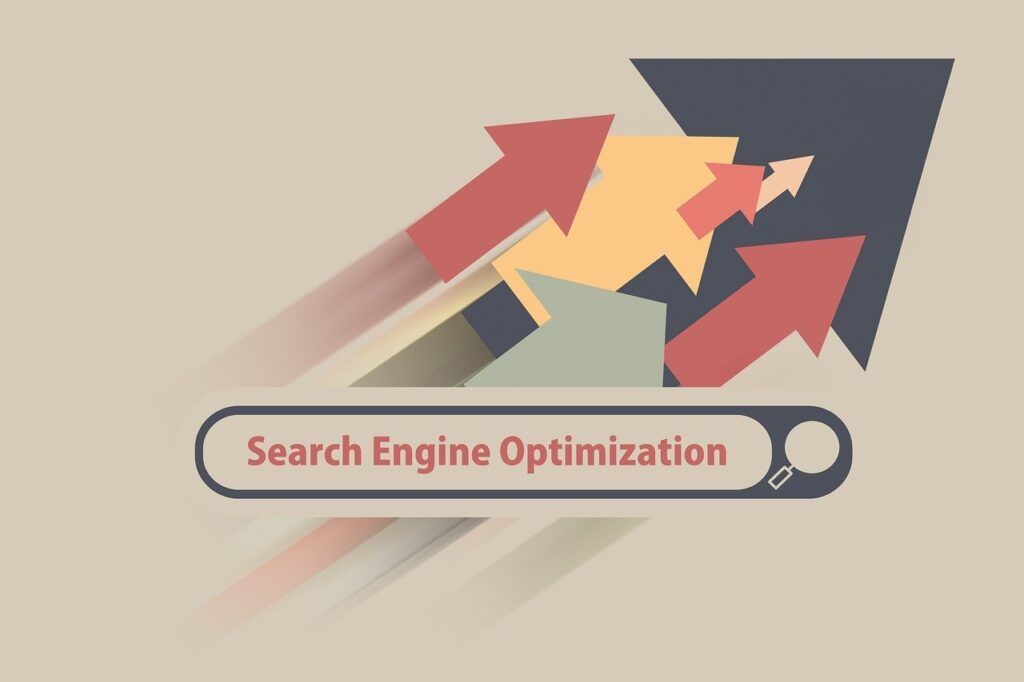
Search Engine Optimization concept with upward arrows representing SEO growth and online visibility

Basics of SEO for Your Website

Basic of SEO for Your Website Small SEO Steps, Big Traffic Results When you build a beautiful website, there’s one big question: “Will people find it?” That’s where SEO (Search Engine Optimization) comes in. Even if your site looks amazing, it needs help to appear on Google and reach the right audience. In this blog, we’ll walk through the basic SEO elements every website owner should know—no tech background required! What is SEO? SEO stands for Search Engine Optimization—a set of practices that help improve your website’s visibility in search engines like Google. In simple terms, it’s about making your website easier to find, crawl, and understand so that it can appear in search results when someone types a relevant query. Why is SEO Important? More Visibility: Better SEO = higher ranking on Google = more visitors. Free Traffic: You don’t need to pay for ads if your site ranks well. Builds Trust: People trust websites that appear on the first page of search results. Long-Term Results: Unlike paid ads, SEO works over time. Basic SEO Elements You Should Know Keywords These are the terms users type into search engines. Example: “Best website layout for beginners”Use keywords naturally in your titles, headings, paragraphs, and image names.Tip: Use tools like Google Keyword Planner to find effective keywords. Meta Title & Meta Description These show up in Google results.Example:Title: “Basics of SEO for Your Website”Description: “Learn simple SEO tips to help your website rank higher and attract more visitors.”Tip: Keep the title under 60 characters and description under 160. Alt Text for Images Search engines “read” your images through alt text.Example:Alt text: “Responsive website design for mobile users”Tip: Always describe the image clearly and include keywords. Mobile-Friendly Design Over 60% of users browse via mobile.Tip: Use responsive themes that adjust to all screen sizes (especially in WordPress). Page Speed Slow websites can hurt SEO.Use tools like Google Page Speed Insights or GT metrix.Tip: Compress images, avoid heavy files, and use reliable hosting. On-Page SEO Tips (You Can Do Today!) Use only one H1 heading per page (usually your title). Add internal links to your other blog posts. Write content in short, clear paragraphs Use bullet points or numbered lists for easy reading. Add keywords in your first 100 words. A Quick Look at Off-Page SEO Off-page SEO is what happens outside your website to boost its reputation. The most important part? Backlinks: When other websites link to your content. It shows search engines that your site is trustworthy. Tip: Share your blogs on social media or submit guest posts to get backlinks.

Basics of SEO for Your Website Read More »

Web design concept showing computer screen with website layout, gear icon, magnifying glass, and responsive design elements

Why Your Website Needs Both Design & Keywords to Shine

Why Your Website Needs Both Design and Keywords to Shine “You deserve more eyes on your website and I’m here to tell you how design and keywords can make that happen” First Impression Counts – That’s Where Design Comes In Imagine walking into a store with poor lighting, confusing aisles, and dull colors. Would you feel like buying something or even staying longer? Probably not.  The same logic applies to your website. Your visitors make a decision within seconds of landing on your page. A clean, professional, and user-friendly design: Builds instant trust Encourages longer engagement Guides visitors smoothly through your content Reflects your brand  Whether it’s your choice of colors, fonts, layout, or imagery — design speaks loudly before any words are read. A Good Website Design Should Be: Responsive website (works well on mobile & desktop) Fast-loading Easy to navigate Consistent in style Clear in call-to-actions (CTAs) Design is not just about looking pretty — it’s about creating a visual journey that keeps your visitors engaged. Keywords Are Your Website’s Map to Visibility Here’s the flip side: a beautiful website is useless if no one finds it. That’s where SEO (Search Engine Optimization) and keywords play a vital role. Keywords are the phrases your potential visitors type into Google — like: “Affordable digital marketing freelancer in Coimbatore” “SEO tips for small businesses” “How to design a website using Canva” If your website content includes these types of relevant keywords, search engines are more likely to rank you higher and show your site to the right audience. Where Should You Use Keywords? Page titles (like this blog’s title!) Meta descriptions Headings (H1, H2…) Blog posts Image alt text URLs (yourwebsite.com/seo-tips) Using keywords smartly means writing for humans first, Google second. Avoid stuffing — keep it natural and useful. Design + Keywords = Website That Works Now, imagine this: You’ve written a great blog post with all the right keywords. It brings people to your site — success! But… your site looks cluttered, your fonts are too small, and there’s no clear CTA. What happens? They leave. On the other hand, you have a stunning design — but no SEO. Nobody even lands on your site. So what’s the solution? You need both elements to work together.

Why Your Website Needs Both Design & Keywords to Shine Read More »